5 Lucide Icons Alternatives That Offer Better Icons
Lucide has become one of the most recognizable icon libraries in the modern React ecosystem. It’s open source, lightweight, easy to install, and built around a clean, consistent stroke-based style. For many teams, it’s the default choice when spinning up a new project.
But in 2026, choosing an icon library is no longer just about clean SVGs or being open source.
Whether you’re hand-coding your product or vibe-coding with AI tools, design is the moat. If you care about the design quality of your product, you also need to care about the quality, consistency, and expressiveness of your icons.
In the era of AI-assisted development, Lucide has become everywhere. It’s baked into templates, starter kits, AI-generated components, and internal tools by default. As a result, many products end up looking visually identical, even when the underlying ideas are different.
Lucide works. It’s reliable and familiar. But if you care about visual differentiation, richer icon systems, and long-term design consistency, it’s worth looking beyond it.
This article breaks down 5 strong Lucide alternatives, focusing on:
- Beautiful icons with stronger visual polish
- More than just stroke-only styles
- Better free alternatives
- Premium-quality icon styles
- Enough icon coverage to avoid mixing libraries
- A safer way to move away from Lucide without breaking UI
Why Teams Look Beyond Lucide
Lucide is intentionally minimal. That’s both its strength and its limitation.
What Lucide does well
- Clean, readable stroke icons
- Consistent visual language
- Lightweight and tree-shakable
- Familiar to most developers
Where Lucide falls short
- Single visual style (stroke only)
- Limited expressive range
- No built-in filled, duotone, or stylistic variants
- Overused in AI-generated and template-based UIs
If you want your UI to feel unique, polished, and distinct, a richer icon system matters.
8 Icon Libraries That Are Perfect Lucide Icons Alternative
Here are the best icon libraries that can replace Lucide icons as your preferred icon library –
1. Hugeicons
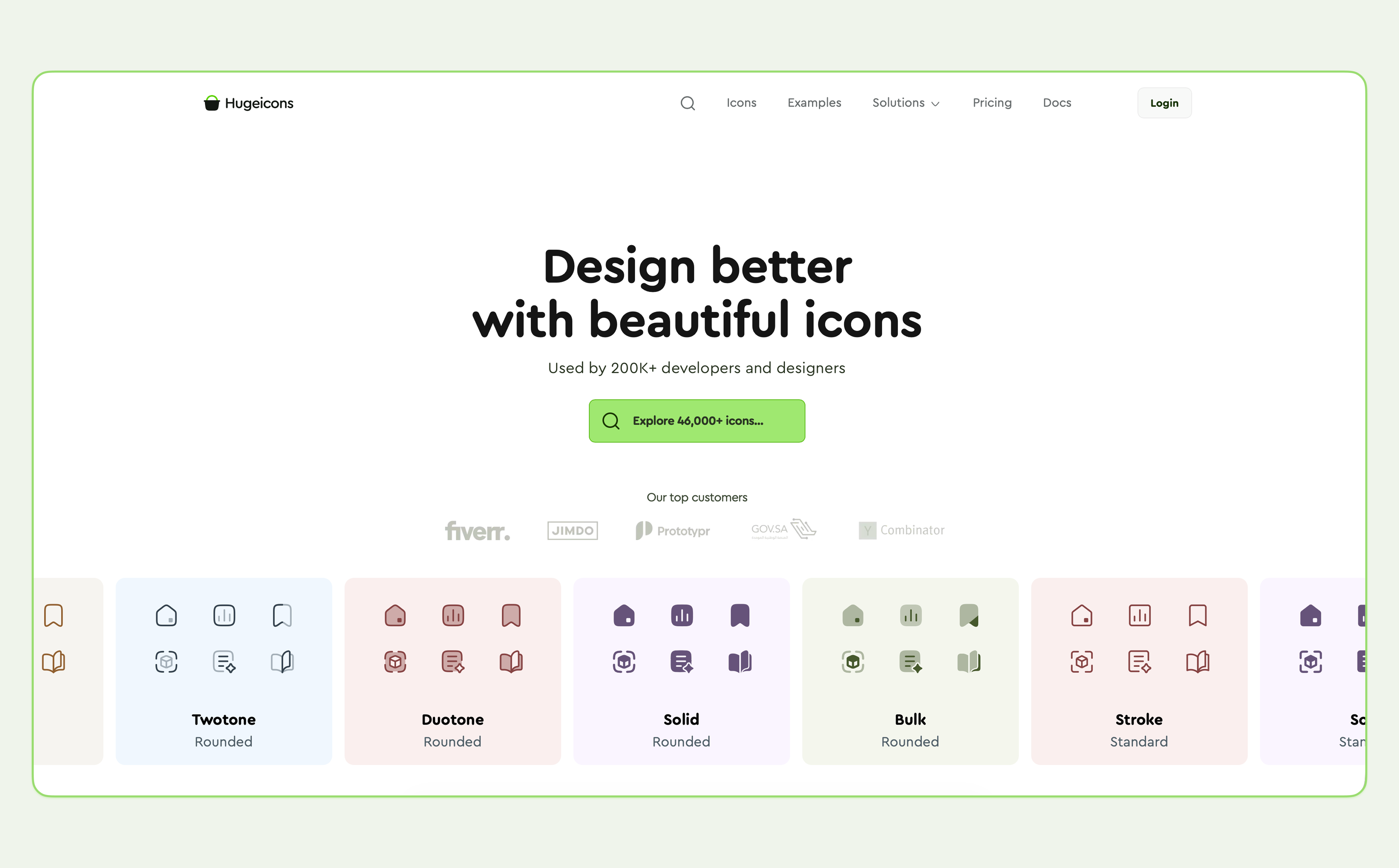
Hugeicons is built for teams that care about visual quality, consistency, and scale. Instead of focusing on a single icon style, it provides a complete icon system designed to support real design systems and long-term products.
It offers 46,000+ icons across 10 styles, including 4,600+ free stroke-rounded icons, all built on a consistent 24px grid. This allows teams to stay within one ecosystem instead of mixing multiple libraries.
A major advantage for Lucide users is the official migration tool, which can automatically convert a Lucide-based React codebase to Hugeicons with minimal effort.
Why teams choose Hugeicons
- 46,000+ icons across 10 consistent styles
- 4,600+ free open-source icons
- Tree-shakable React components
- Designed for modern SaaS, dashboards, and AI interfaces
- Official CLI to migrate from Lucide
- Strong TypeScript and design system support
- Works with NPM, CDN, React , Figma, IconJar, etc.
- SVG and Web font support
- VS code extension
- WordPress plugin
- Figma plugin
- AI-powered search
They provide dedicated packages for other major frameworks like React, Vue, Angular, Svelte , and Flutter.
2. Font Awesome
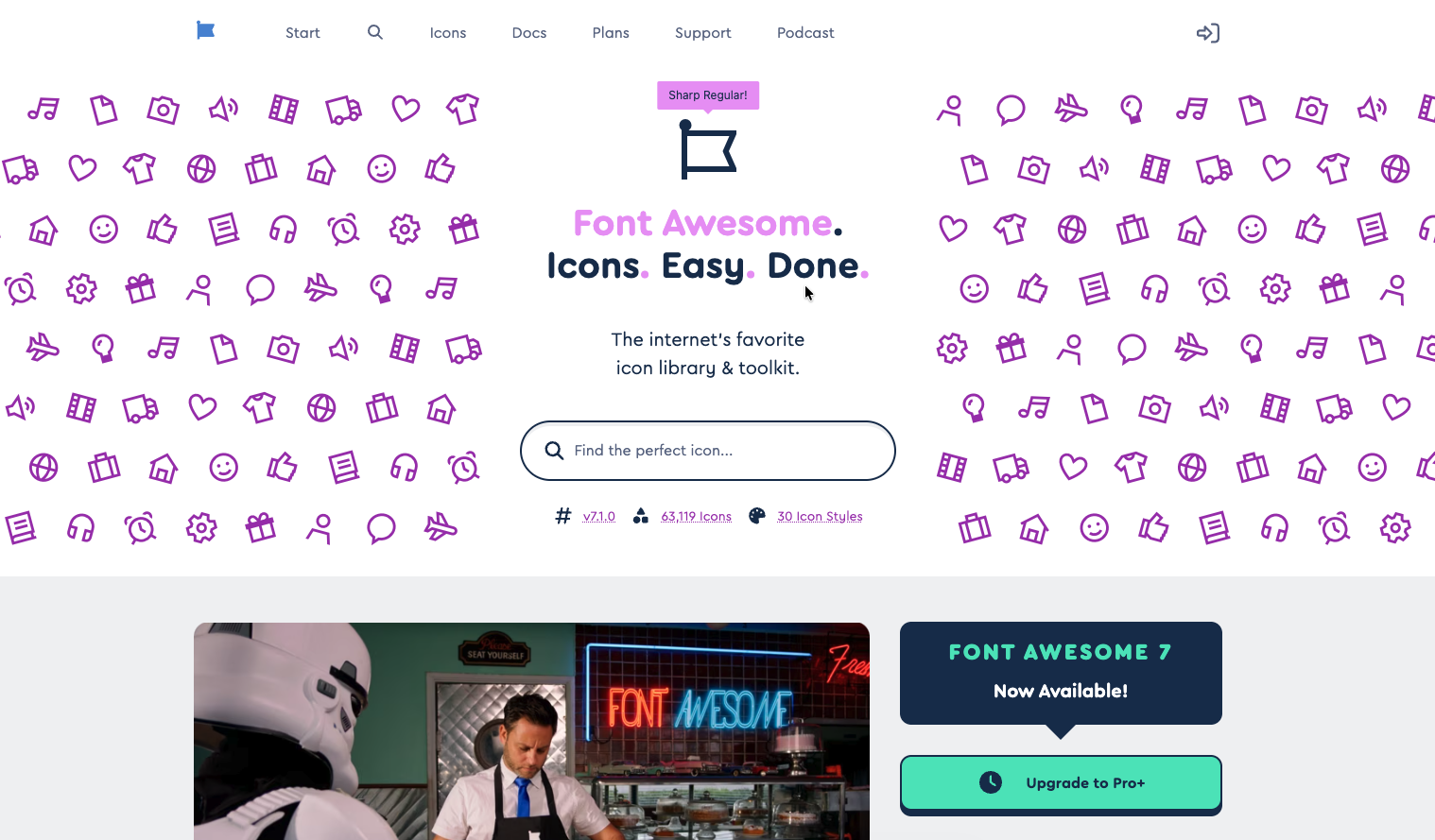 Font Awesome remains one of the most recognized icon systems in the industry, widely used in enterprise SaaS products and brand-heavy marketing sites. While it’s one of the oldest icon libraries, Font Awesome 7 has evolved into a performance-focused toolkit built to support complex styling needs and large UI surfaces.
As of version 7.1, the library includes 63,119 Pro icons and 2,089 Free icons, covering 30 visual styles. These range from classic Solid, Regular, Light, and Thin styles to newer families like Sharp for cleaner geometry and Duotone for layered visual emphasis.
Font Awesome 7 also introduces Pro+ curated packs, which are focused sets of the 200 most commonly used app and web icons, each following a distinct visual style. Packs such as Chisel, Jelly, Notdog, Slab, Thumbprint, Etch, and Whiteboard make Font Awesome a flexible but heavier option for teams that prioritize brand coverage and stylistic variety over minimalism.
Key highlights
- One of the largest and most recognized icon libraries
- 63,000 Pro icons and 2,000+ Free icons
- Multiple visual styles available under a single system
- Strong documentation and long-term stability
- Familiar to many developers and teams
- Includes brand and social media icons
3. Tabler Icons
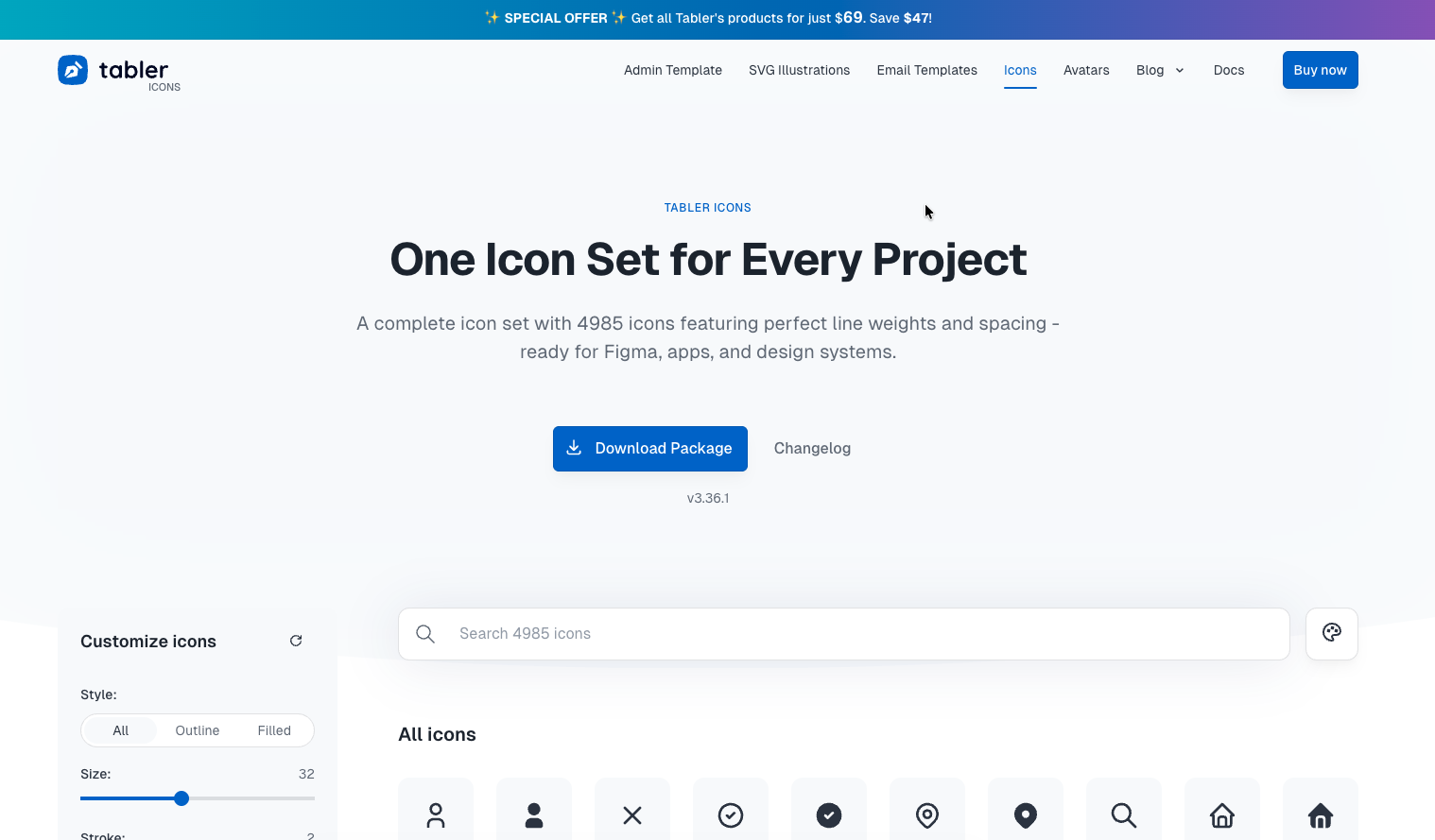 Tabler Icons is a large, open-source icon set focused on clarity and consistency. It currently includes 5,900+ free MIT-licensed SVG icons, all designed on a 24x24 grid with a 2px stroke.
The icons are especially popular in dashboards, admin panels, and data-heavy interfaces where readability matters.
Key highlights
- 5,900+ free SVG icons
- MIT license
- Consistent 24px grid and 2px stroke
- React, SVG, and CSS-friendly
- Strong community maintenance
4. Heroicons
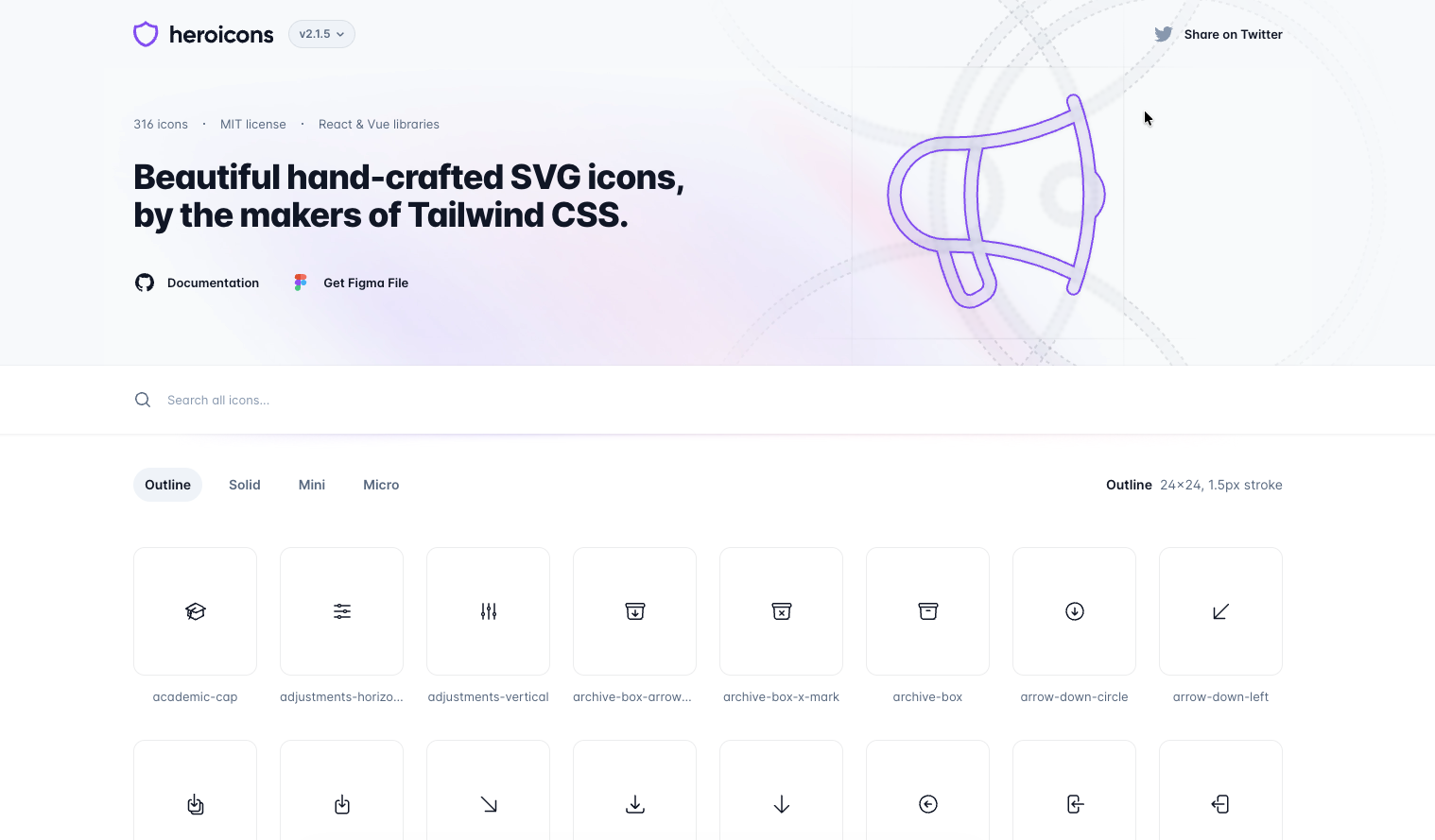 Heroicons is created by the Tailwind CSS team and has become a familiar default in many React projects.
It includes 316 icons across four styles: Outline, Solid, Mini, and Micro. While the set is small, the icons are clean, predictable, and easy to use.
Because Heroicons is heavily used in templates and AI-generated UI, it often feels familiar rather than distinctive.
Key highlights
- 316 icons
- Four size-based styles
- MIT licensed
- Tight Tailwind integration
- Stable and well-maintained
Best for
Tailwind-based apps, MVPs, and teams that prioritize familiarity over differentiation.
5. Phosphor Icons
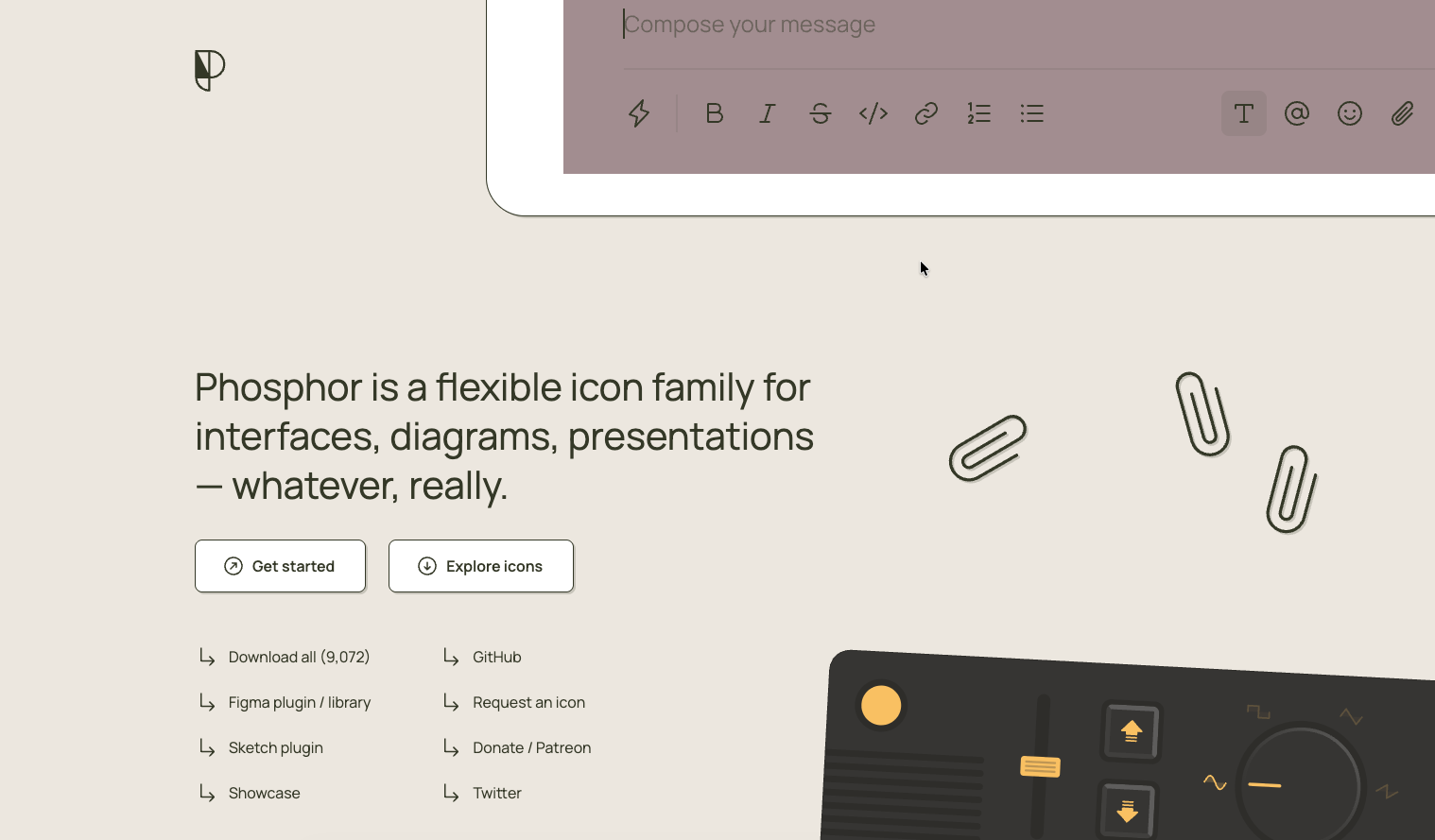
Phosphor is designed as a flexible icon family for interfaces, diagrams, and presentations. It works especially well in products where icons need to adapt across different contexts, such as UI states, data visualizations, and documentation, without breaking visual consistency.
What sets Phosphor apart is its range of weights, including thin, light, bold, and duotone. This flexibility allows teams to introduce visual variety and hierarchy without switching icon libraries.
Key highlights
- Over 9,000 icons in total
- Six distinct visual styles, with approximately 1,512 icons per style
- Designed to support different visual weights without breaking consistency
- Open source and actively maintained
- Created by Helena Zhang and Tobias Fried
Final Thoughts
Lucide is an okay icon library. It’s clean, reliable, and comfortable to use. But in 2026, familiarity is often the exact problem teams are trying to solve.
When design templates, AI tools, boilerplates, and starter kits all default to the same basic stroke icons, interfaces start to blur together. Icons stop being a design asset that helps your product stand out and instead signal “generic template.”
If you want your product to:
• Feel unique and polished, using styles AI builders cannot easily replicate
• Stay visually consistent as it scales, without hitting the outline-only limitation
• Avoid icon debt from mixing multiple libraries just to support filled or duotone states
• Stand out in a sea of AI-generated UIs with deeper geometry and visual intent
Then choosing the right icon system becomes one of the most impactful design decisions you can make.
Related Posts
![Icon Design Guidelines: How to Design Beautiful Icons [+Resources]](https://cdn.hugeicons.com/blog/1742968097525-First preview final.png)
Icon Design Guidelines: How to Design Beautiful Icons [+Resources]
Over the years, we’ve designed more than 46,000 icons. Based on this, we’ve compiled a set of guidelines based on our knowledge. This article will...
![Icon Design Guidelines: How to Design Beautiful Icons [+Resources]](https://cdn.hugeicons.com/blog/1708171265835-Masum.png)
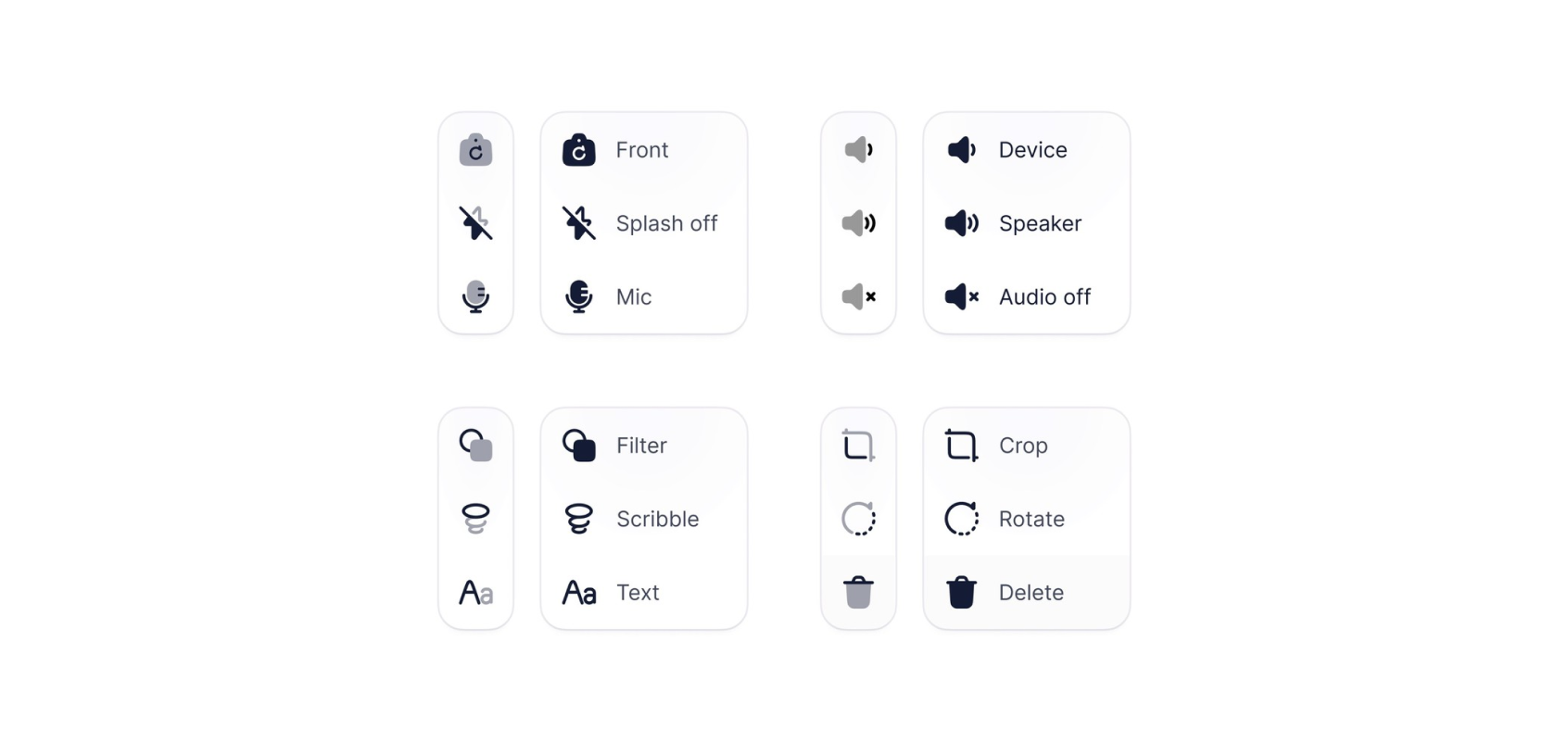
Top 13 UI UX Design Icon Sets in 2026
Deciding on a icon library? Our expert roundup of the top icon sets for 2026 cuts through the clutter, focusing on standout features, diversity...
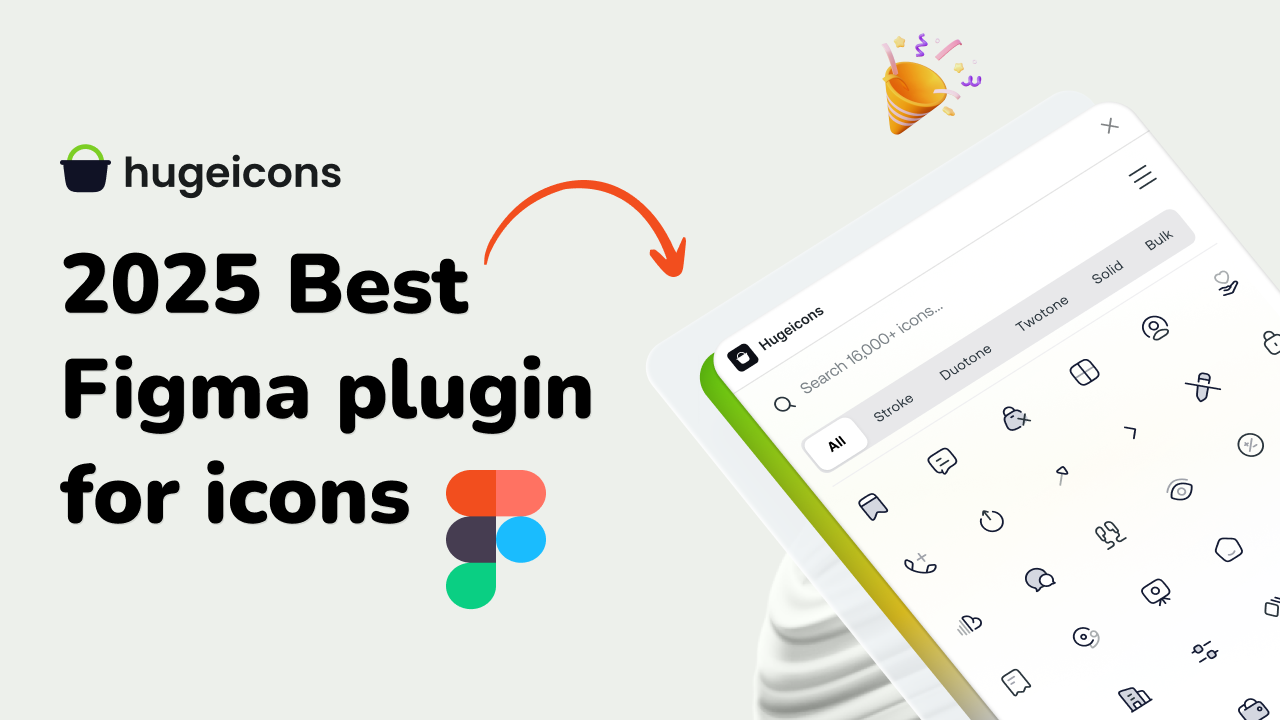
Best Figma Plugin for Icons: Top 10 Outstanding Choices in 2026
Icons might seem like small details, but they’re actually central to great design. They simplify complex ideas, enhance visual appeal, and guide...
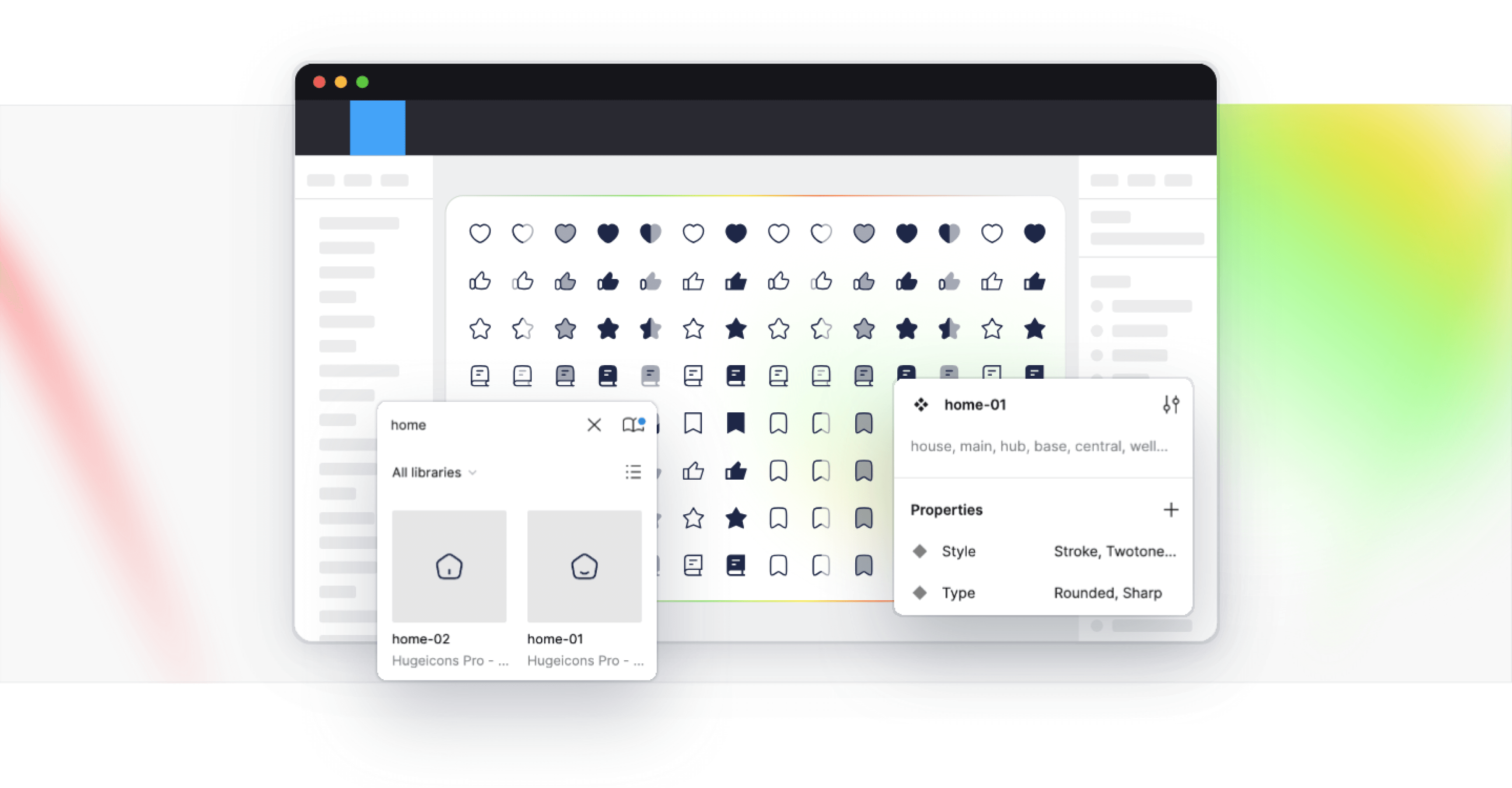
Best Figma Icon Libraries in 2026
Figma has changed how designers collaborate, prototype, and ship digital interfaces. But when an individual designer or a design team searches for...
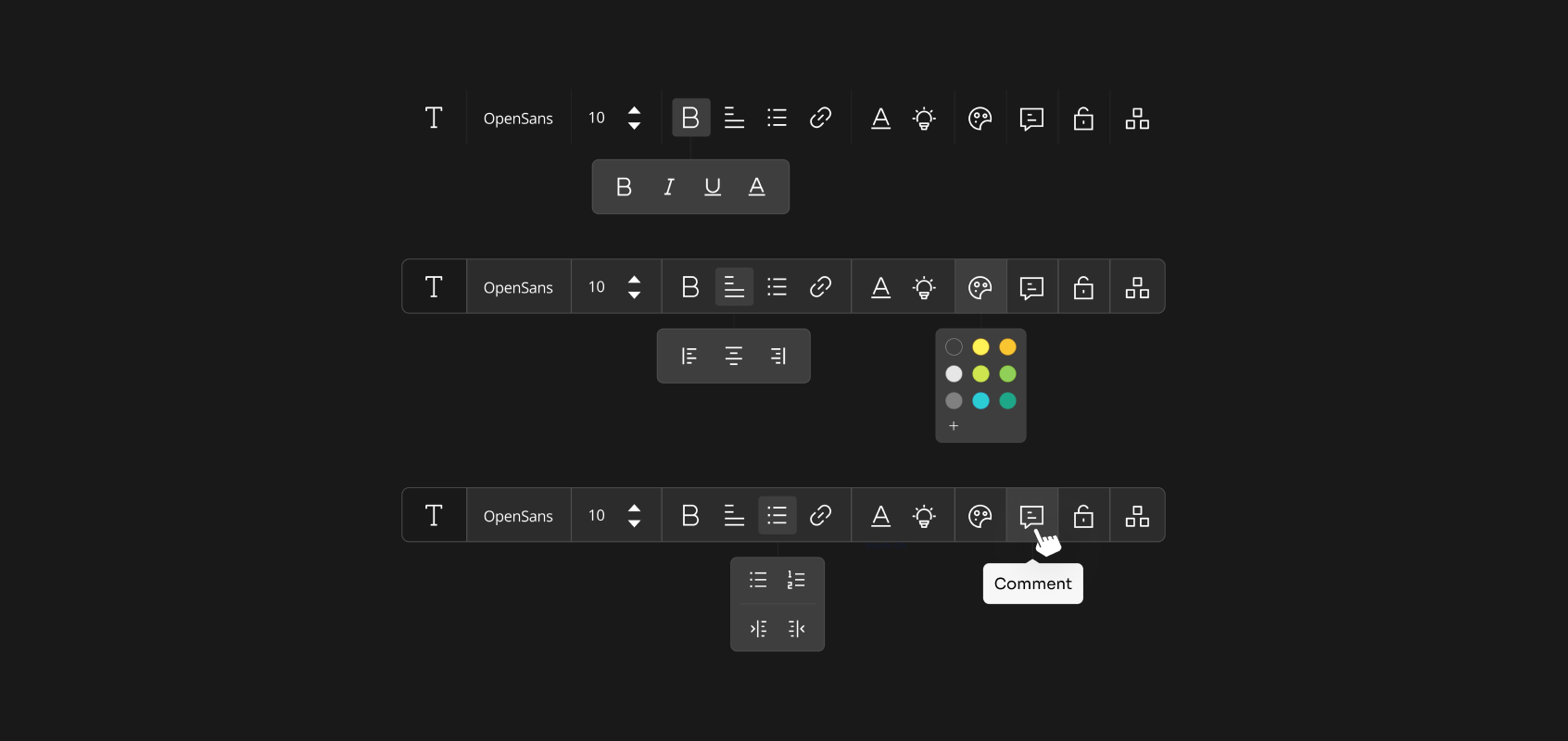
12 Best SVG Icon Libraries to Use in 2026
SVG icon libraries are collections of Scalable Vector Graphic icons that bring precision and flair to websites, apps, and projects. The unique...
.png)
15 Best Free Fonts for UI Designers in 2026
Fonts are essential in UI design, significantly influencing user interaction. Beyond mere availability, selecting the right fonts is crucial, as...