Best Icon Font Library for Developers in 2026 (Free & Premium)
What does the best icon font library look like? Easy maintenance, lightweight, and consistent. It also must perform exceptionally well across devices & browsers, offer a ton of customizable features, and yes, not have restrictive licensing issues. Plus, as products scale, the icon library must offer the flexibility that modern UI systems require in 2026 with no technical debt. Keeping that in mind, let’s dive in.
Takeaways (TLDR Section)
- Icon fonts for web provide scalable, lightweight symbols for web design, performance, and customization via CSS.
- Popular icon font libraries like Hugeicons , Font Awesome, and Material Design Icons simplify integration and ensure design consistency.
- Custom web icon fonts offer unique branding but require careful consideration of scalability, integration, and accessibility.
What is an Icon Font Library?
Icon font libraries are a set of vector-based icons presented as web-ready font files, containing symbols instead of letters and numbers. Typically found in web-friendly formats like WOFF and EOT, they are compressed for performance and widely supported across browsers.
By applying icon fonts to HTML elements via class names, developers can modify them just like text using CSS, making UI customization seamless.
Best Icon Font Libraries in 2026
Hugeicons
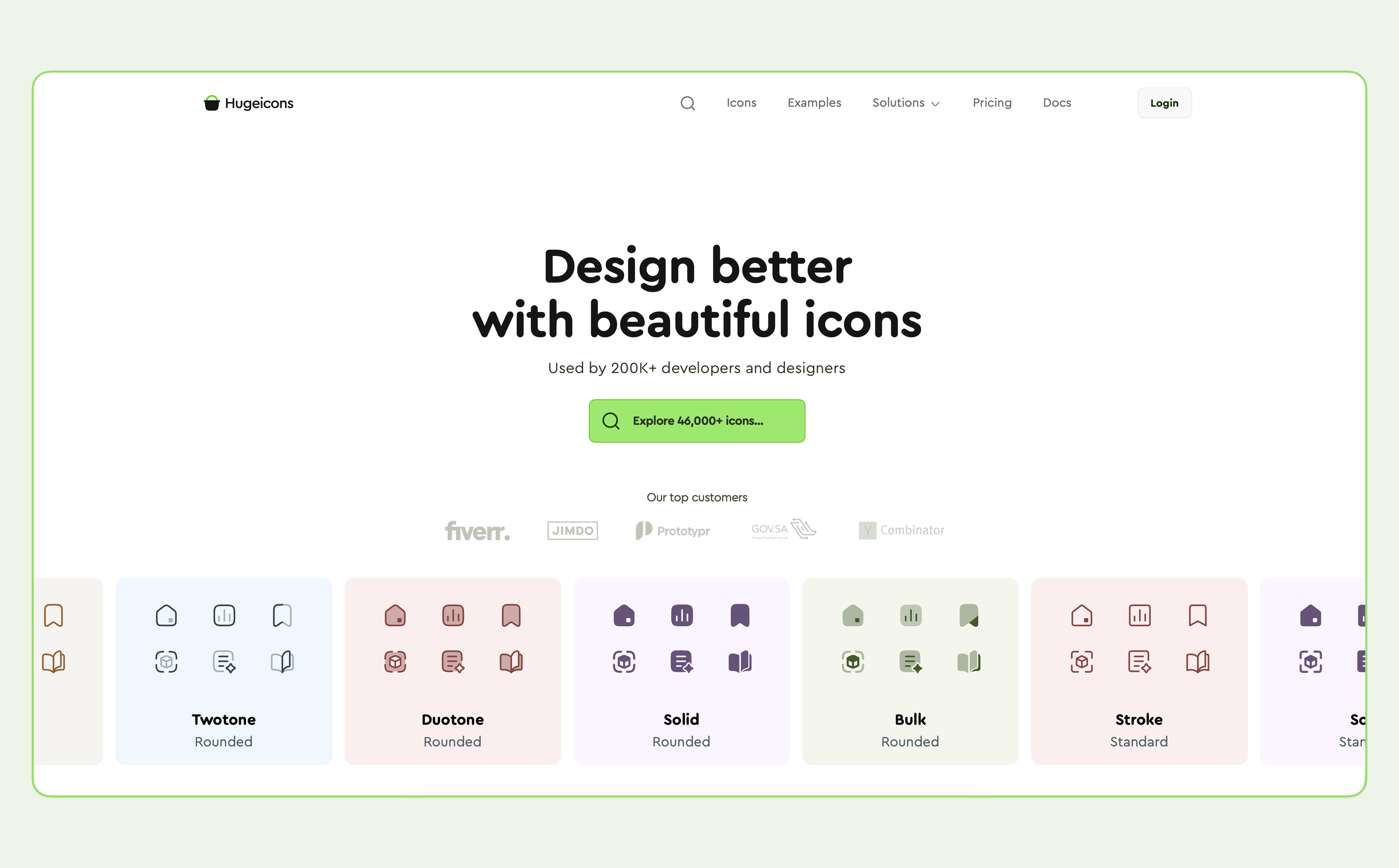
Hugeicons by Masum Parvej is a modern and beautiful icon font library. It's trusted by over 200k+ users for its huge collection and performance-focused design. Created to empower both designers and developers, Hugeicons offers 46,000+ icons that are easy to integrate and customize.
Hugeicons offer a lot of freedom developers and designers, including three installation methods via CDN, NPM, and self-hosting.
It offers a large collection of well-structured icons available in SVG and icon font formats, making integration flexible across different tech stacks.
Plus, Hugeicons icons are optimized for sharp rendering at all sizes and support easy customization through CSS or design tools.
Key features of Hugeicons:
Faster Load Times & CDN Hosted: Loads instantly for better performance using Cloudflare CDN for Pro users and Google Cloud CDN for Free users.
Lightweight: Includes only the styles you need, ensuring faster load times and optimized performance.
Easy-to-use Web Icon Fonts :Integrate icons with a single line of code, simplifying development and saving time.
Customizable: Change size, color, and effects effortlessly with CSS.
Beautiful Icon Font Pack: Access 4,600+ icons for free and 46,000+ icons for Pro users across 10 styles, offering flexibility for diverse projects
SVG Icons: Style your icons based on your UI design. Customize Hugeicons lightweight SVG icons through CSS. No quality losses with sharp rendering for all sizes.
Unlimited Usage: Both Free and Pro versions support unlimited usage, making Hugeicons cost-effective for any scale of project.
AI-powered Search: Advanced search tools help you find icons within an icon library quickly and accurately.
Regular Updates: New icons and features are added frequently based on user feedback.
With its focus on both quality and performance, Hugeicons is the ideal solution for projects that require a reliable and high-quality icon library.
Pros & Cons of Hugeicons
| Pros | Cons |
|---|---|
| Icons optimized for UI designs | SVGs for deep customizations |
| Easy customization via CSS | Limited community resources |
| Supports both icon font & SVG formats |
Wondering how to get icon fonts for free ? Head to Hugeicon’s free icon font library.
Bootstrap Icons
Bootstrap Icons is the official icon library for the popular Bootstrap framework, offering over 2,000 free, open-source, and high-quality icons. Designed to integrate seamlessly with Bootstrap components, this library provides a consistent and professional look for websites built on Bootstrap.
I offers icon font for web as SVGs primarily. This allows for extreme control over styling, color, and sizing via CSS.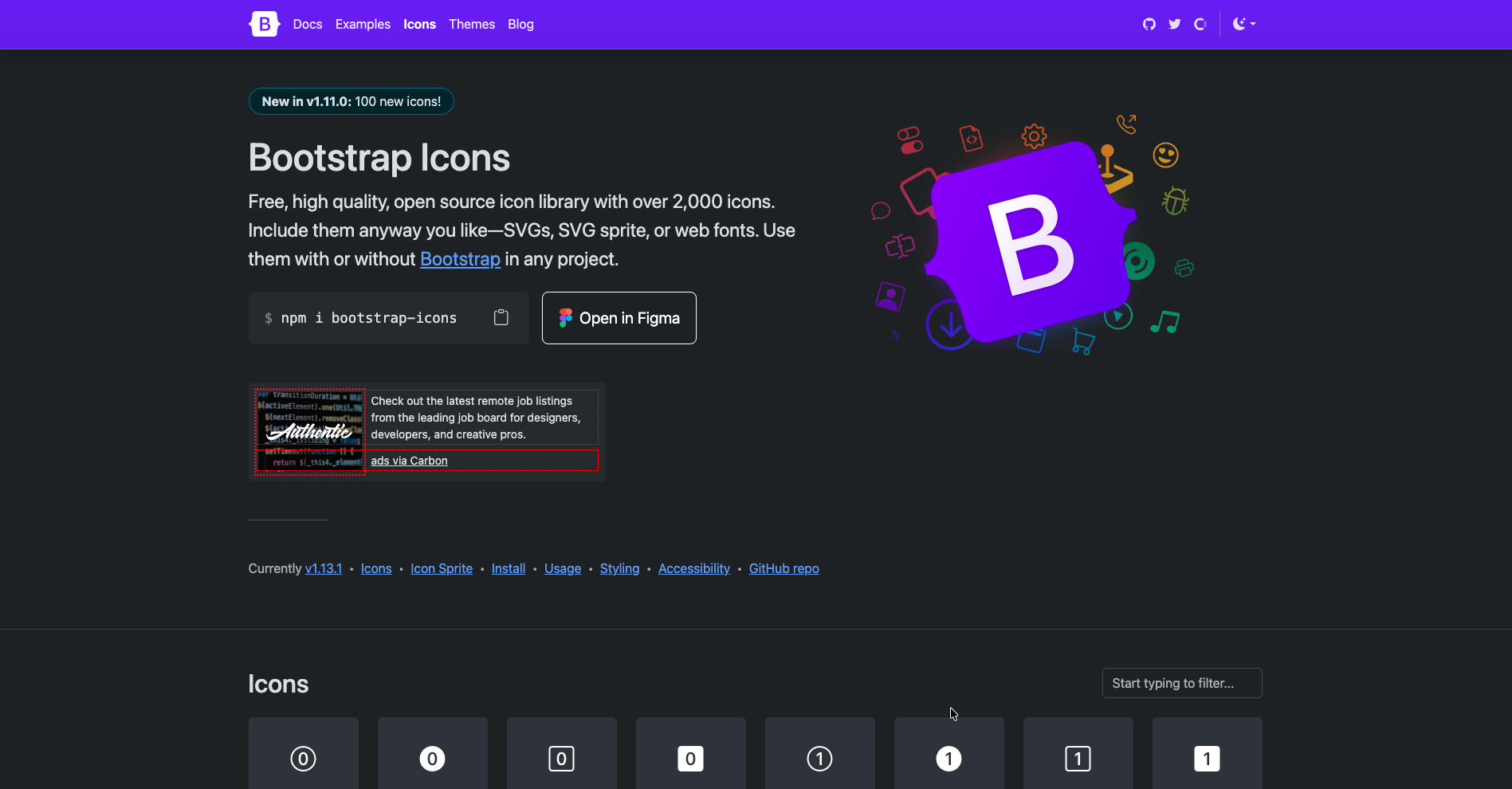
Key Features of Bootstrap Icons:
Free & open-source icon font: Available under the MIT license, allowing free usage in both personal and commercial projects.
Extensive collection of icon font: Over 2,000 website icon fonts available in multiple formats, including SVGs, SVG sprites, and web fonts.
Easy Integration: Include icon fonts via jsDelivr CDN with a simple <link> tag in the <head> or using @import in CSS.
Bootstrap compatibility: Works effortlessly with Bootstrap’s grid and component system.
Bootstrap Icons is ideal for developers already using Bootstrap and looking for a unified and professional icon solution that is both flexible and simple to implement.
Pros & Cons of Bootstrap icons
| Pros | Cons |
|---|---|
| Lightweight | Offers limited icon library comparatively |
| Simple Integration |
UICONS by Flaticon
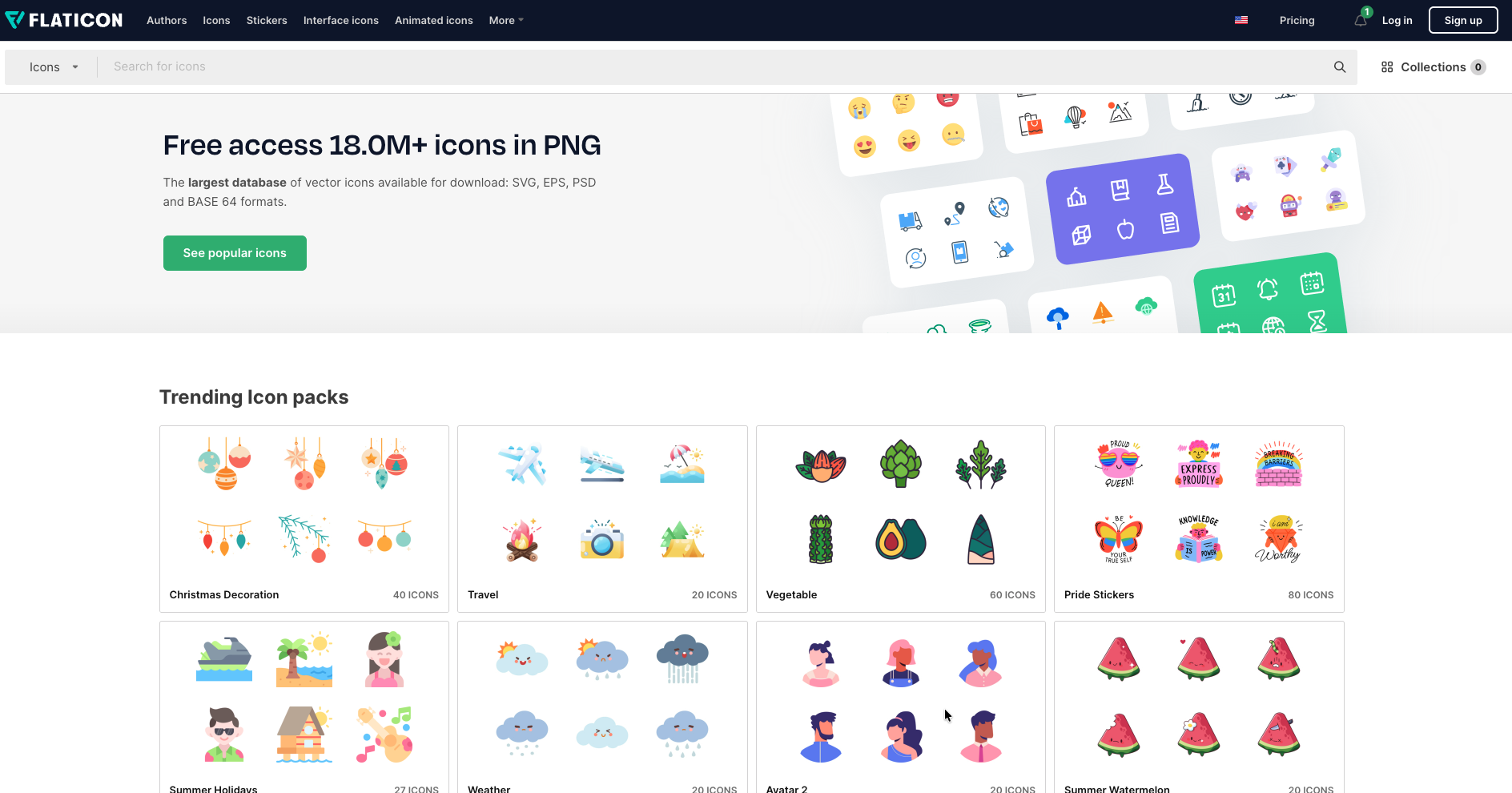
Offering over 50,000+ SVG and web font-optimal vector-based icons, this icon library is designed for web, iOS, and Android applications. With integration methods that are simple & a focus on high performance and responsiveness, it caters to projects of all sizes.
The library offers a variety of styles such as dual tone, rounded, and solid icons. The production-ready designs allow for visual and performative consistency across platforms & browsers.
Key Features of UICONS
High Performance: Requires only one HTTP request since it is a single web icon font, and hence, optimizes load times.
CSS Customization: Full CSS styling capabilities allow easy modifications in size, color, and effects.
Responsive: Icons look uniform across platforms, including web, mobile, and desktop.
Pros & Cons of UICONS
| Pros | |
|---|---|
| User-friendly Search bar | Limited selection of web icon fonts |
| Ease of access | Costly premium plans |
Material Design by Google
Google Material Design offers a unified and modern icon library for all applications. Web icon fonts, although limited compared to Hugeicons or Font Awesome, have a consistent visual language across all platforms. It’s consistent, accessible, and usable across modern mobile and web applications.
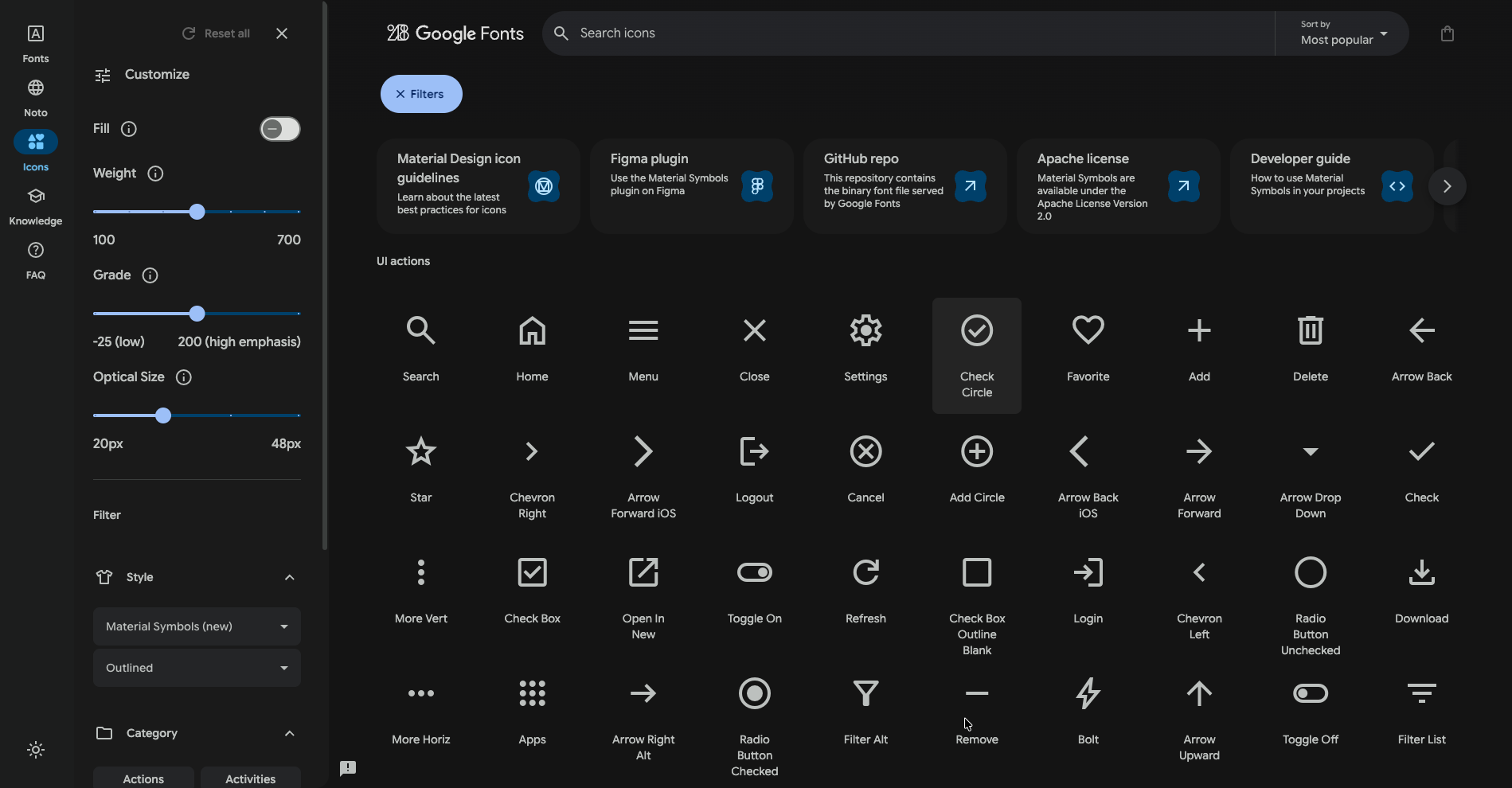 By adding Material Design Icons to your project, you get clean and professional visuals in line with design standards in 2026.
Key Features of Material Design
User-First Design: Consider the context, users’ needs, and habits; suggest designs for real people.
Easy Scalability & Customization: Adheres to design standards and adapts to the users’ needs.
Pros & Cons of Material Design
| Pros | Cons |
|---|---|
| Official Google Support | Very limited web icon fonts |
| Clean & Intuitive design |
Font Awesome
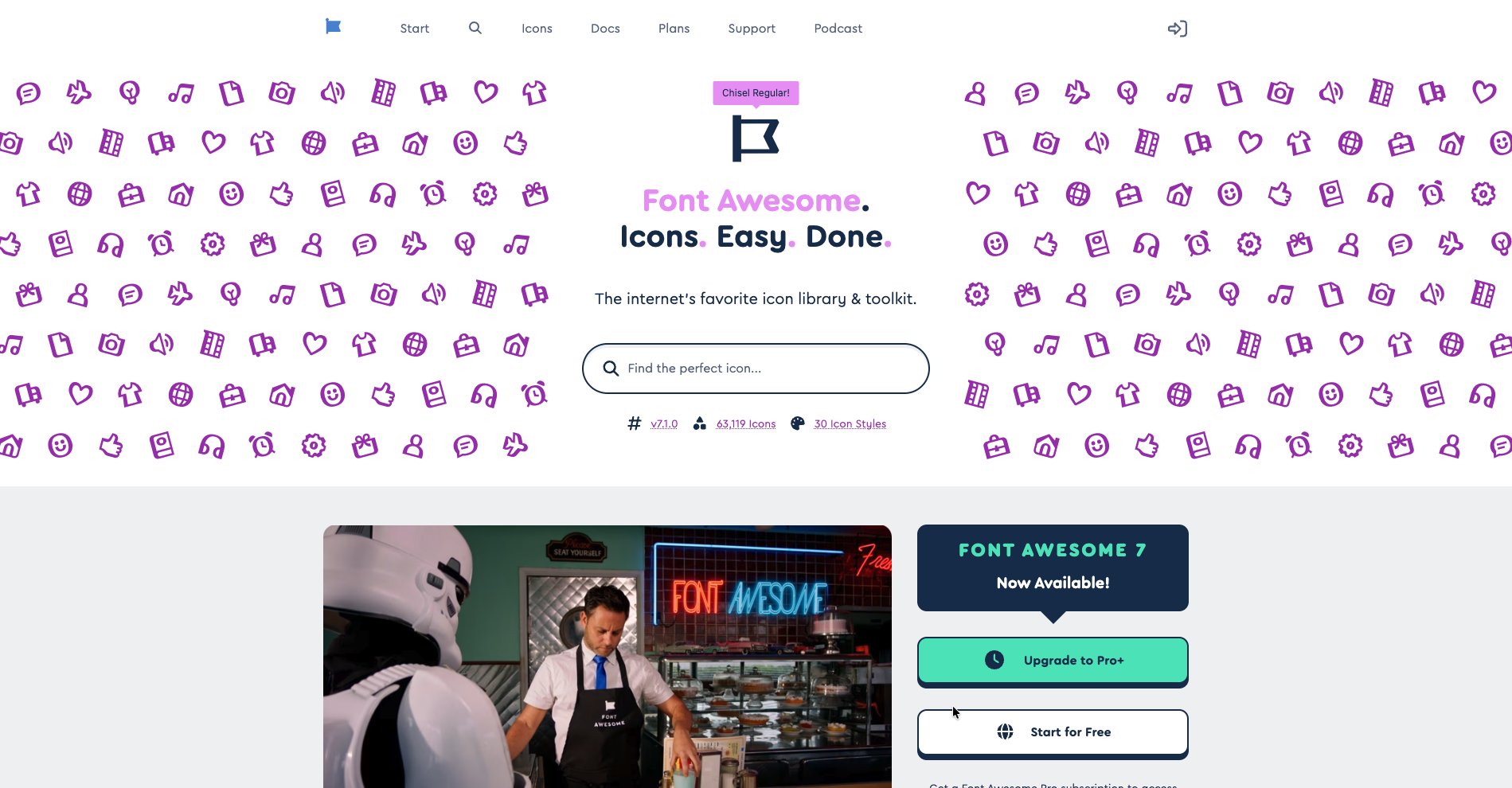
One of the most widely used icon font libraries. Known for its versatility and ease of integration, Font Awesome is trusted by many developers worldwide to enhance their web projects with scalable and customizable icons.
It offers an extensive library of scalable vectors that developers & designers can use across interfaces. You can web icons in font as well as SVG format. This makes it easy to animate, resize, or style the icons using CSS.
Key Features of Font Awesome
Free & Paid Web Icon Fonts: Offers 63,119 icons and 30 icon styles, but most of them are locked behind Pro & Pro+ plans.
Large Community Support: Incredible worldwide support, allowing developers access to real-world examples, tutorials, and documentation.
Smooth Integration: Simply add a stylesheet link to your HTML and use class names to embed icons effortlessly.
Easy Customizations: Adjust icon size, color, and effects using standard CSS properties for seamless customization.
Pros & Cons of Font Awesome
| Pros | Cons |
|---|---|
| Massive icon library | Pro plan unlocks most icons |
| Strong community support | Costs about $300 per icon on request |
Icon Font Library: Top Installation methods
CDN Link
The easiest method is to include a stylesheet link in your HTML. Or even better, use Hugeicons CDN.
There are no extra installation steps to integrate Hugeicons web icon fonts. Head to the <head> section and simply integrate the CDN link. You can add the icons or even test them out without setting them up locally.
Hugeicons offers designers and developers both pro and free CDN options. Here’s the Hugeicons free CDN for website icon fonts:
<link rel="stylesheet" href="https://cdn.hugeicons.com/font/hgi-stroke-rounded.css" />
Self-Hosting
The last method provides you with full control. You store font files locally which allows for better performance and customization.
Benefits of Icon Font Library
In 2026, an intuitive and user-friendly icon library can help designers and developers in many ways.
Scalability
Developers can easily align and resize web icon fonts with CSS. This allows responsive & dynamic design elements.
Performance efficiency
A single HTTP request loads an entire icon font library , reducing multiple requests for separate images and load times.
Easy customisations
Modify icon fonts for web directly with CSS (change colors, sizes, and animations) without editing source files.
Cross-browser compatibility
Most modern browsers integrate seamlessly with icon font libraries, ensuring consistent rendering across various platforms.
Lightweight
Faster than individual image-based icons, an icon font library improves mobile and desktop performance.
By leveraging icon font libraries, developers can create visually consistent and lightweight web interfaces effortlessly.
Icon Font Library: Best Practices
1. Accessibility
- Use
<span>instead of<i>for better screen reader compatibility. - Provide text labels or ARIA attributes to describe icons.
2. Performance optimization
- Reduce HTTP requests by self-hosting only necessary icons.
- Minimize file size for faster rendering and page load speed.
3. Consistency
- Maintain uniform style, size, and color to ensure visual harmony.
Best Icon Font Libraries: Most Common Issues and Fixes
1. Missing icons
- Check file paths and CSS class names for accuracy.
- Ensure icon library updates are applied.
2. Rendering Issues
- Use modern font formats like WOFF for better browser support.
- Target specific browsers with CSS fallback rules.
3. Compatibility
- Include multiple font formats (WOFF, EOT, TTF) for maximum support.
- Adjust CORS settings if loading issues occur.
Best Free Icon Font Library in 2026
In case you’re looking specifically for the best free icon fonts, here’s a list of the top 10 icon font libraries.
- Hugeicons
- Font Awesome
- Icons8
- Iconfinder
- Smashicons
- React Icons
- The Noun Project
- Iconmonstr
- Good Stuff No Nonsense
- Orion Icon Library
For more details on what these icon font libraries offer, head to our 25+ Best Open Source Icon Library Options (2026 Edition) blog.
Conclusion and Recommendations
An icon font library is a powerful tool for web designers and developers, providing scalability, flexibility, and high performance. By following best practices for accessibility, optimization, and consistency, you can maximize their impact in web projects.
For a modern and high-quality web icon font, Hugeicons is a top choice. It offers an extensive collection, seamless integration, and lightweight performance. Whether you're building a personal project or a large-scale application, Hugeicons ensures clarity, speed, and ease of use.
By the way, if you’re interested in learning how to use SVGs in React , check out our most recent blog. It’s packed with useful insights!
Start using Hugeicons icon font today to improve and beautify your web design workflow!
Related Posts
Icon as Fonts and Everything to Know About It
If you’ve ever worked as a web developer or designer, you’ve certainly used icons in your projects. Icons are a must-have tool in every dev or...

How to Use Blade Icons in Laravel Projects
Blade icons are a great choice when you want clean, scalable icons without the hassle of font files or extra dependencies. They work in all...
Best Django Icon Libraries in 2026
Imagine working on a Django project and suddenly needing the perfect icon to finish your UI. Searching through dozens of icon libraries...
Top VS Code Icon Extensions
Imagine coding in VS code and you suddenly need an icon for your project. The old school way would be to frantically look for the icons you need...
Best React Native Icon Libraries in 2026
React Native icons work fine when developing locally, only to break when you deploy; they just don't load or show up as empty spaces. Every React...
Best Svelte Icon Libraries You Can Get Your Hands On Today
Icons do more heavy lifting than most developers realize. They are tiny communication tools that help users understand your app at a glance, and...